

Ever waited at a bus stop, wondering when your bus will show up? MTA Bus Time gives you live updates so you're never left guessing. Just type in your stop number or address and watch as live icons show your bus's countdown. It’s like having a neighbor give you the inside scoop. This tool helps you plan when to leave so you can save time and keep your day running smoothly.
Get Real-Time MTA Bus Times Instantly
Visit the MTA Bus Time screen to quickly check bus arrivals. Just type in an address, place, or even a fleet number. You can enter your stop number or local address to see active routes right away. Quick links for Brooklyn, Bronx, Manhattan, Queens, and Staten Island help you find your bus faster. Only buses with current service appear on the list.
As you type, live updates pop up. You’ll see bus icons moving and a clear countdown until they arrive. This simple view helps you decide when to leave your home with confidence.
- Type your address, stop, or place in the search box.
- Pick your borough using the quick jump links.
- Look at the list to see only buses with active service.
- Click a route to view the full live arrival details.
- Watch the moving bus icons and minute-by-minute tracker for updates.
The vehicle tracking shows exactly where your bus is along its route. This lets you catch delays or detours as they happen. With real-time info, every rider, whether you’re commuting daily or riding occasionally, can plan your trip without missing a beat.
Navigating the MTA Bus Time Website and App
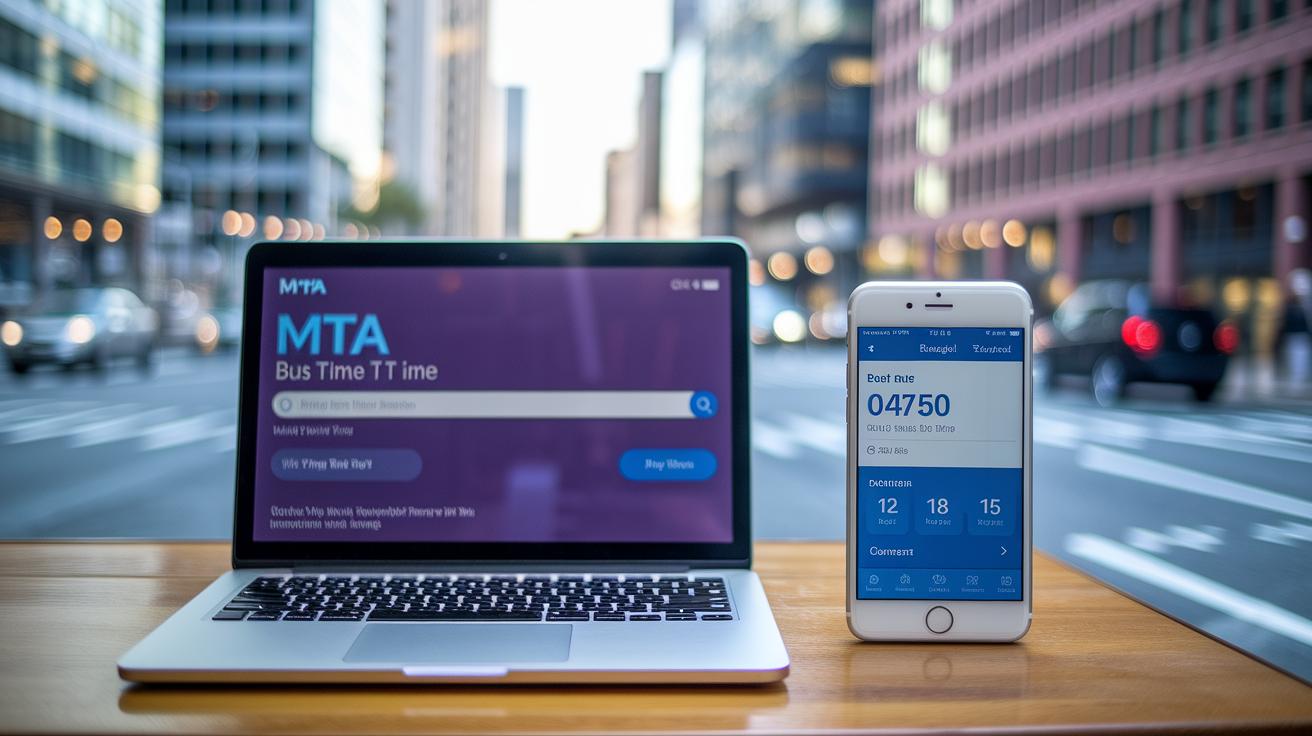
MTA Bus Time Website
The MTA Bus Time desktop site makes it simple to check bus times. You can type a location, address or stop number into the clear search bar, and the list updates right away to show only buses running on schedule. You’ll also see links for Brooklyn, Bronx, Manhattan, Queens and Staten Island so you can go straight to your area. Plus, browsing routes is easy: moving bus icons let you see exact arrival times quickly. If you prefer using the keyboard, you can navigate with arrow keys, Enter, Escape, Space and Tab.
MTA Bus Time Mobile App
The mobile app offers extra tools for riders on the move. It sends push and email alerts if there are delays or schedule changes at your favorite stops. You can also plan trips by exporting details to your calendar. And if you’re out of signal range, offline caching keeps your information handy.
Both the website and app offer clear transit data. The desktop version helps you search fast and view detailed route options, while the mobile app focuses on quick updates and planning tools to support your daily travels.
Interactive Map and App for Live Bus Tracking
The interactive transit map shows bus icons moving along city streets in real time. You can zoom in to focus on your neighborhood corridor or pan across different boroughs. This tool lets you see exactly where your bus is right away. Checking your route is as easy as tapping and scrolling.
A dynamic dashboard sits on top of the map and shows current service status. It gives clear alerts when buses are on time, delayed, or taking detours. With these updates, riders quickly understand local conditions and adjust their plans. The dashboard mixes status panels with moving bus icons so you get the full picture at a glance.
| Platform | Feature | Action |
|---|---|---|
| Web Map | Real-time icons | Pan/zoom |
| Mobile Map | Touch gestures | Tap to details |
| Dispatch Dashboard | Live status panels | Filter by route |
The dashboard acts as a live transport monitor. It lets you choose routes and check their current status. It sends clear alerts if a bus is delayed or rerouted so you can change your plan on the spot. With location-based updates, you get detailed info on bus movements and route conditions. This all-in-one view makes travel decisions simpler and helps you feel confident about your commute.
Customizing Departure Alerts with MTA Bus Time

MTA Bus Time helps you stay on top of bus delays, detours, and service changes with different online alerts. You can sign up by email, SMS, or push notifications to get updates for your stop or full bus route, making it easier to plan your day. These alerts cover everything from short delays to big changes that might affect your ride. Now, you don’t have to keep refreshing the app or website to see what's happening with your bus. You can get updates on your phone or desktop so you'll always be ready for any changes during your commute.
Follow these simple steps to set it up:
- Sign in with your email or phone.
- Choose the stop or route you want to watch.
- Pick the type of alert you want, whether it’s a delay, detour, or full schedule update.
- Test the notification to make sure it works.
Need to change or cancel an alert? Just go to your account settings on the MTA Bus Time app or website. From there, you can update your preferences or remove alerts that you no longer need.
Accessing and Downloading MTA Bus Timetables
PDF Timetable Downloads
Head over to the Maps & Schedules section on the MTA website where routes are sorted by borough. Each bus route has a PDF file you can download. Just click on the route to open the PDF and see clear departure times and service notes. You can save these files on your phone or computer so you always have the schedule handy, even when you’re offline.
Interactive Online Timetables
If you like checking things online, the schedule reader tool is for you. It shows you web-based tables that you can filter by time and see detailed frequency info. This interactive tool helps you easily compare routes and plan your trip quickly. It even offers a download option to keep you updated on bus times in real time.
Trip Planning Tips Using MTA Bus Time Data

MTA Bus Time gives New Yorkers live bus info so you can plan your day with ease. It shows you current bus schedules, transfer details, bike-and-ride stops, and park-and-ride spots all in one place. The tool also lists local shuttles and express routes when available. Whether you’re off to work or meeting friends downtown, this planner makes your trip simpler.
- Check bus frequency during rush hours.
- Turn on next-stop alerts.
- Mix bus rides with bike-and-ride options.
- Look out for detour alerts before you leave.
- Add extra time when transferring.
- Keep an eye on vehicle counts on busy routes.
Real-time data from MTA Bus Time helps you avoid delays. Service stats update live and use easy icons to show if there are delays or detours. This lets you decide if you should wait for the next bus or try another route. By checking bus efficiency and vehicle counts on busy routes, you can cut down on waiting time. In short, MTA Bus Time makes your daily commute more predictable and less stressful for everyone.
Final Words
In the action, we showed you how to check live bus info easily. The guide walked through using search fields and borough links to find bus routes and live arrival updates. It also covered tracking vehicles on an interactive map and setting up alerts. Clear steps make it simple to manage commutes and get real-time transit data with mta bus time. This hands-on guide helps you plan better and stay safe as you go about your day. Enjoy quicker commutes and fewer delays ahead.
FAQ
What is MTA train time?
The MTA train time provides live departure data and arrival estimates so that New Yorkers can check train schedules quickly and plan their journeys with up-to-date information.
What is the MTA bus time schedule PDF?
The MTA bus time schedule PDF gives downloadable timetables for bus routes. It explains departure times and service codes in clear language for riders who prefer having a hard copy to reference.
What is the MTA bus schedule today?
The MTA bus schedule today displays current bus service updates, including delays and timetable changes. It helps New Yorkers plan their trips accurately by offering real-time schedule information.
What is the MTA bus Time app and is it free?
The MTA Bus Time app offers real-time tracking, alerts, and route mapping on your phone. It is free, letting users check bus locations and get live updates without any cost.
What is MTA bus time BX10?
The MTA bus time BX10 delivers live tracking and precise arrival estimates for the BX10 route. This enables Bronx riders to get accurate bus location data and better plan their commutes.
What is MTA bus Time Beta?
The MTA Bus Time Beta lets users test early features of the new tracking system, including live vehicle monitoring and interactive maps, before the final version is released.
What is MTA bus time B11?
The MTA bus time B11 offers live tracking and updated arrival times for route B11. It provides vital service data to assist New Yorkers in navigating their commutes efficiently.